























How to connect a PS4 controller to your Android phone or tablet Leave a comment
Como conectar um controle PS4 ao seu telefone ou tablet AndroidHow to connect a PS4 controller to your Android phone or tablet

How to Connect PS4 Controller to Android
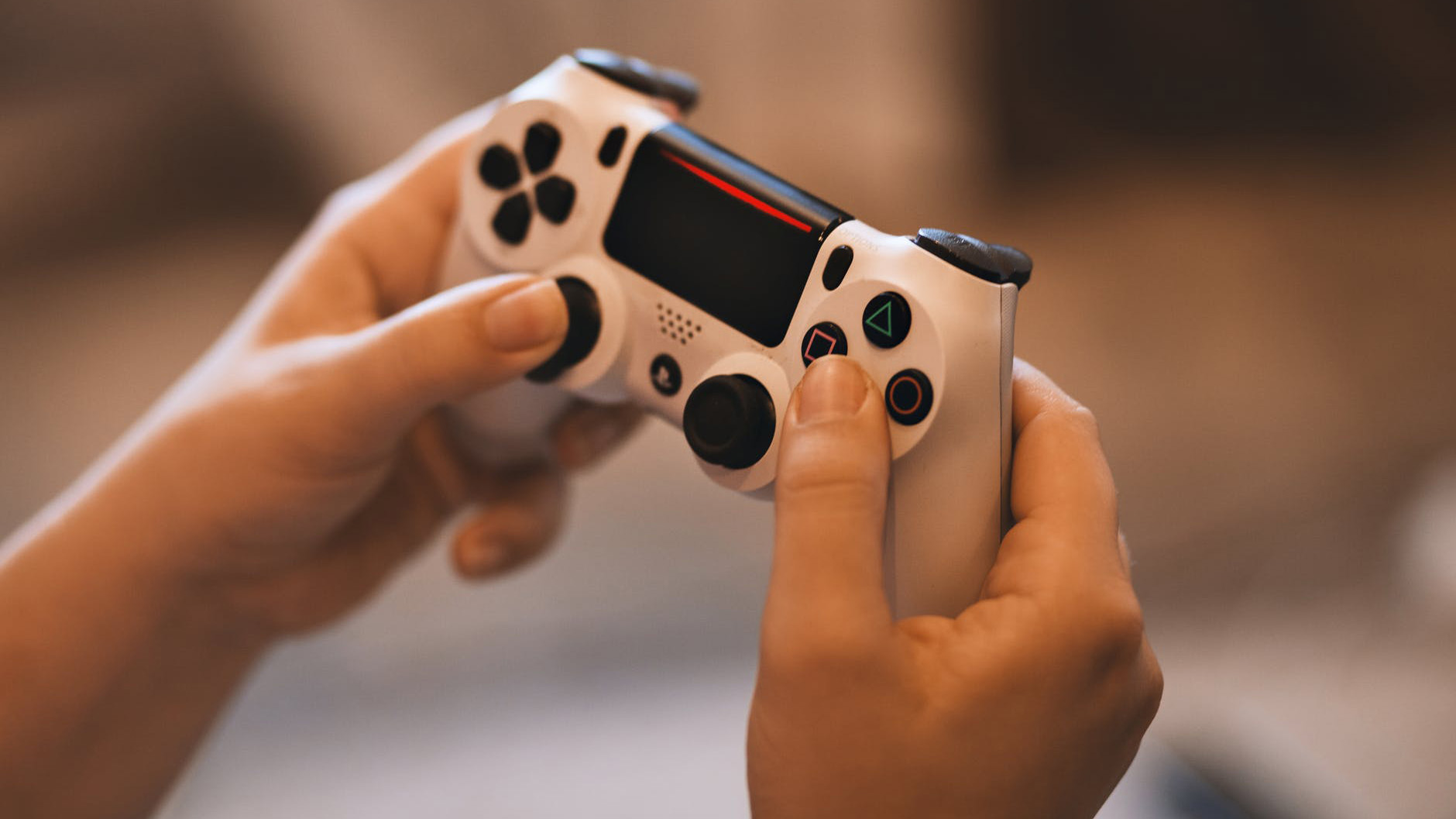
To set up a PS4 controller with your Android device, you need to make sure the PS4 controller is set to pairing mode. To do this, the PlayStation 4 controller and PS4 must be turned off.
1. To set your PS4 controller to pairing mode, press and hold the PS button and the Share button at the same time. When done correctly, the light on the back of the controller will begin to blink.

2. To pair your PS4 controller with your Android device, Bluetooth must be enabled on your Android. Swipe down from the top of the screen to open the quick selection menu, then touch and hold the Bluetooth icon.
3. With Bluetooth enabled, “Wireless Controller” should be one of the options in the “Available Devices” menu. If you don’t see “Wireless Controller” as one of the options, tap “Scan” at the top of the screen. Tap “Wireless Controller” when it appears.
4. Tap “OK” to finish pairing your PS4 controller with your Android device.
Keep in mind that not all mobile games are compatible with the PS4 controller.
When you’re ready to switch back to your PlayStation 4, you’ll need to turn off Bluetooth on your Android device and pair your PS4 controller with your PS4 system once again.